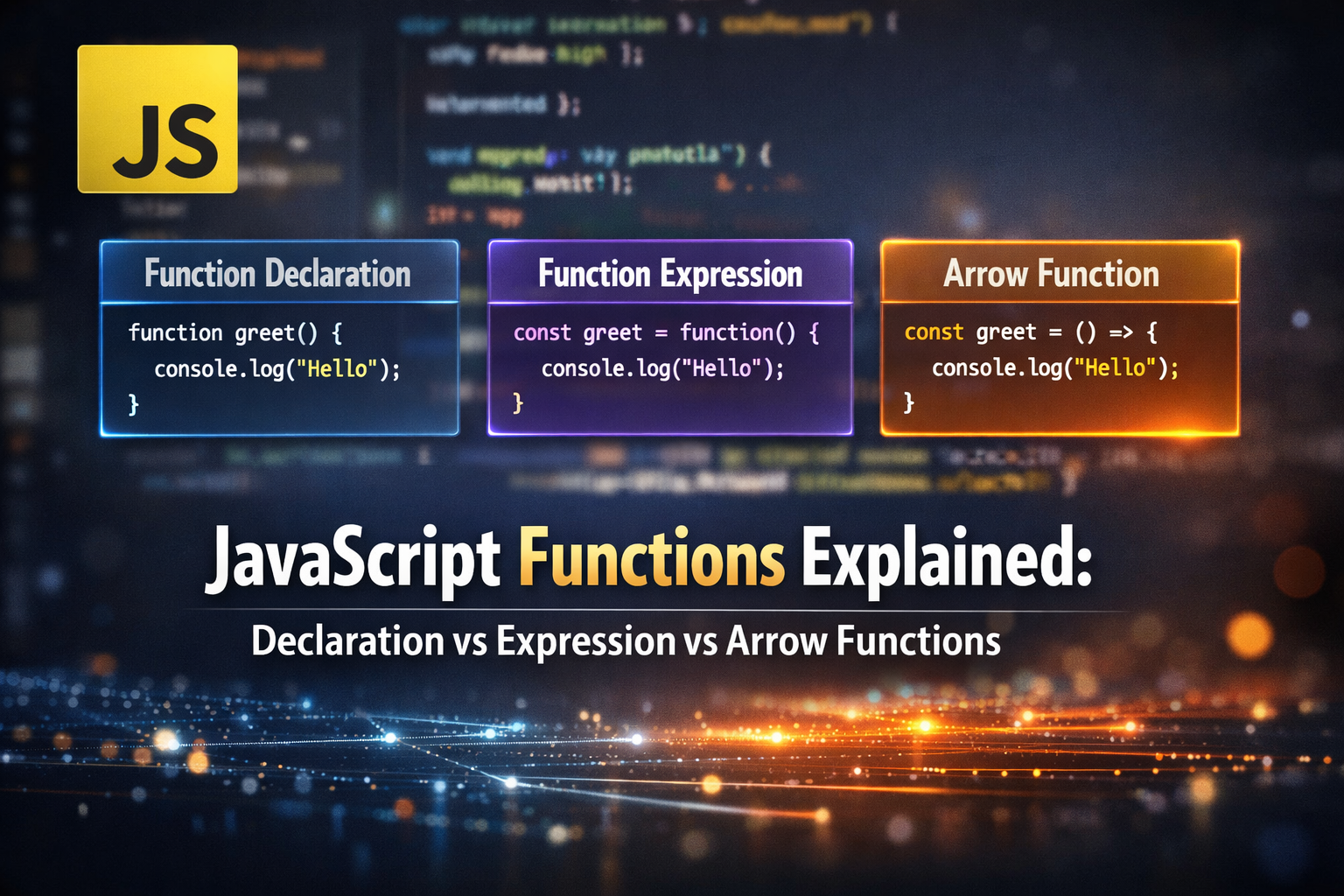
JavaScript Functions Explained: Declaration vs Expression vs Arrow Functions
I’m Arjun Saxena, a passionate software developer specializing in web engineering. I believe in writing code that creates real solutions to real problems. I love building efficient, user-friendly applications and constantly push myself to learn new technologies. Beyond coding, I enjoy sharing knowledge and growing together with others in the tech community.
Functions are one of the most important concepts in JavaScript. They help us organize code, avoid repetition, and build reusable logic.
In this article, we’ll cover:
Why functions are important
Function Declaration vs Function Expression
Arrow Functions (simple & modern syntax)
Real-world use cases of closures
Easy diagrams & tables to understand everything
Why Do We Need Functions?
Imagine writing the same code again and again. That’s bad practice.
Without a function ❌
let a = 10;
let b = 20;
console.log(a + b);

let x = 5;
let y = 15;
console.log(x + y);
With a function ✅
function add(num1, num2) {
  return num1 + num2;
}

console.log(add(10, 20));
console.log(add(5, 15));
Benefits of Functions
✅ Code reusability
✅ Better readability
✅ Easy maintenance
✅ Modular code structure
Function Declaration
A function declaration defines a function using the function keyword.
Example
function greet(name) {
  return `Hello, ${name}`;
}

console.log(greet("Arjun"));
Key Points
Can be used before it is defined
Hoisted by JavaScript
sayHello(); // Works

function sayHello() {
  console.log("Hello!");
}
Function Expression
A function expression stores a function inside a variable.
Example
const greet = function(name) {
  return `Hello, ${name}`;
};

console.log(greet("Arjun"));
Important Note ⚠️
Function expressions are NOT hoisted.
sayHi(); // ❌ Error

const sayHi = function() {
  console.log("Hi!");
};
Comparison Table 📊
| Feature | Function Declaration | Function Expression |
| Syntax | function myFunc() | const myFunc = function() |
| Hoisting | ✅ Yes | ❌ No |
| Usage before definition | ✅ Allowed | ❌ Not allowed |
| Common Use | General purpose | Callbacks, dynamic logic |
Arrow Functions (ES6)
Arrow functions provide a shorter and cleaner syntax.
Normal Function
function multiply(a, b) {
  return a * b;
}
Arrow Function
const multiply = (a, b) => a * b;
Single Parameter
const square = x => x * x;
Multiple Lines
const calculate = (a, b) => {
  const sum = a + b;
  return sum;
};
Arrow Functions vs Normal Functions
| Feature | Normal Function | Arrow Function |
| Syntax | Longer | Short & clean |
this keyword | Has its own this | Inherits this |
| Best for | Methods, constructors | Callbacks, short logic |
Real-World Use Case: Closures 🔐
A closure is created when a function remembers variables from its outer scope.
Example: Private Counter
function createCounter() {
  let count = 0; // private variable

  return function () {
    count++;
    return count;
  };
}

const counter = createCounter();

console.log(counter()); // 1
console.log(counter()); // 2
console.log(counter()); // 3
Why This Is Useful?
countcannot be accessed directlyUsed in:
Authentication logic
Data privacy
State management
Real-World Example: Login Attempts
function loginTracker() {
  let attempts = 0;

  return function () {
    attempts++;
    return `Login attempt: ${attempts}`;
  };
}

const trackLogin = loginTracker();

console.log(trackLogin());
console.log(trackLogin());