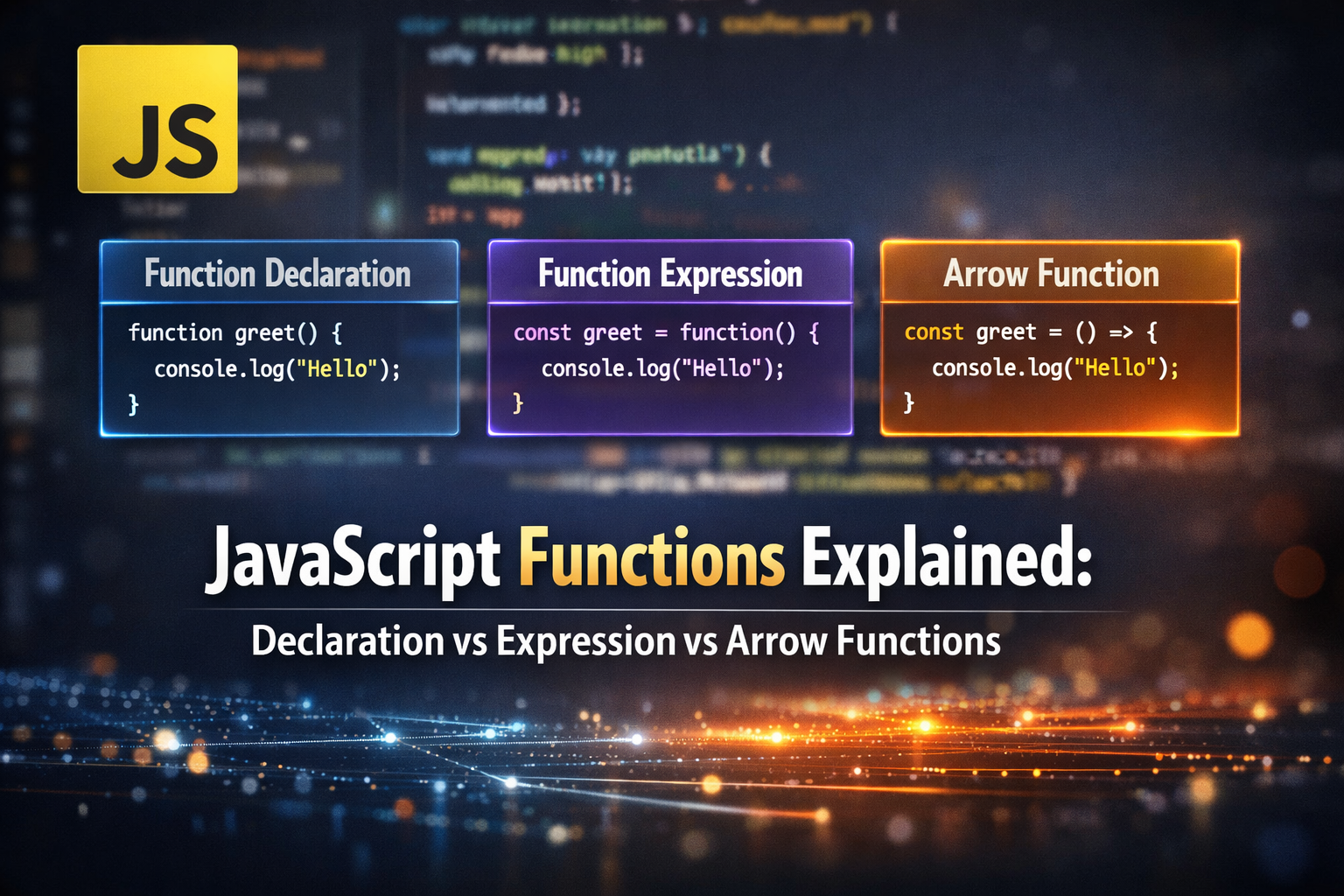
JavaScript Events: Making Web Pages Interactive ⚡
I’m Arjun Saxena, a passionate software developer specializing in web engineering. I believe in writing code that creates real solutions to real problems. I love building efficient, user-friendly applications and constantly push myself to learn new technologies. Beyond coding, I enjoy sharing knowledge and growing together with others in the tech community.
Have you ever clicked a button and something happened on a website?
Maybe text changed, a popup opened, or a form was submitted.
That magic happens because of JavaScript Events.
In this blog, we’ll learn:
What events are
Why events are important
What event listeners are
Event bubbling and capturing
How to stop event propagation
All with easy examples 👇
What Are Events in JavaScript?
An event is something that happens on a webpage.
Common Events
Clicking a button
Hovering over an element
Typing in an input box
Submitting a form
Page loading
👉 JavaScript listens for these events and responds to them.
Why Are Events Important?
Without events ❌
A webpage is just static content.
With events ✅
A webpage becomes interactive and dynamic.
Examples:
Clicking “Login” button
Changing theme (dark/light)
Showing error messages
Animations and popups
Simple Example: Button Click Event
HTML
<button id="btn">Click Me</button>
<p id="text">Hello!</p>
JavaScript
const button = document.getElementById("btn");
const text = document.getElementById("text");

button.addEventListener("click", () => {
  text.textContent = "You clicked the button!";
});
What Happens?
User clicks the button
clickevent firesText changes instantly 🎉
What Is an Event Listener?
An event listener tells JavaScript:
“Hey, when this event happens, run this code.”
Syntax
element.addEventListener("event", function);
Example
button.addEventListener("click", sayHello);

function sayHello() {
  alert("Hello!");
}
Common Event Types
| Event | Trigger |
click | Mouse click |
mouseover | Hover |
keydown | Key press |
submit | Form submit |
load | Page load |
Multiple Event Listeners
You can attach multiple listeners to the same element.
button.addEventListener("click", () => {
  console.log("Clicked!");
});

button.addEventListener("click", () => {
  console.log("Button pressed!");
});
Both will run ✔️
Event Propagation (Very Important Concept)
When an event happens, it doesn’t stop at one element.
It travels through the DOM.
This is called event propagation.
There are two phases:
Capturing phase
Bubbling phase
Event Bubbling (Default Behavior)
Event starts from the target element and moves upward.
Example
<div id="parent">
  <button id="child">Click Me</button>
</div>
document.getElementById("parent").addEventListener("click", () => {
  console.log("Parent clicked");
});

document.getElementById("child").addEventListener("click", () => {
  console.log("Button clicked");
});
Output When Button Is Clicked
Button clicked
Parent clicked
👉 Event bubbles up from child → parent
Event Capturing (Opposite of Bubbling)
Event starts from the top and goes downward.
To enable capturing, pass true as the third parameter.
parent.addEventListener("click", () => {
  console.log("Parent clicked");
}, true);

child.addEventListener("click", () => {
  console.log("Button clicked");
}, true);
Output
Parent clicked
Button clicked
Bubbling vs Capturing (Comparison Table)
| Feature | Bubbling | Capturing |
| Direction | Bottom → Top | Top → Bottom |
| Default | ✅ Yes | ❌ No |
| Commonly used | ✅ Yes | ❌ Rare |
Stopping Event Propagation 🛑
Sometimes, you don’t want the event to go further.
Use:
event.stopPropagation();
Example
child.addEventListener("click", (event) => {
  event.stopPropagation();
  console.log("Button clicked");
});
Result
Only button event runs.
Parent event is stopped 🚫
Real-World Use Case
Clicking a modal button but not closing the modal
Preventing parent clicks in dropdown menus
Complex UI components